Module Tab
Watched Folders
Watched Folders are the linchpin of this module. Here you specify the folders that should be watched by the module. If
new content is loaded into the corresponding folders, these are automatically used in the frontend. You can add as many
Watched Folders as you want. If you want to change the order of the Watched Folders, you can do this by dragging the
rows.
To add a new Watched Folder, click on the + button.
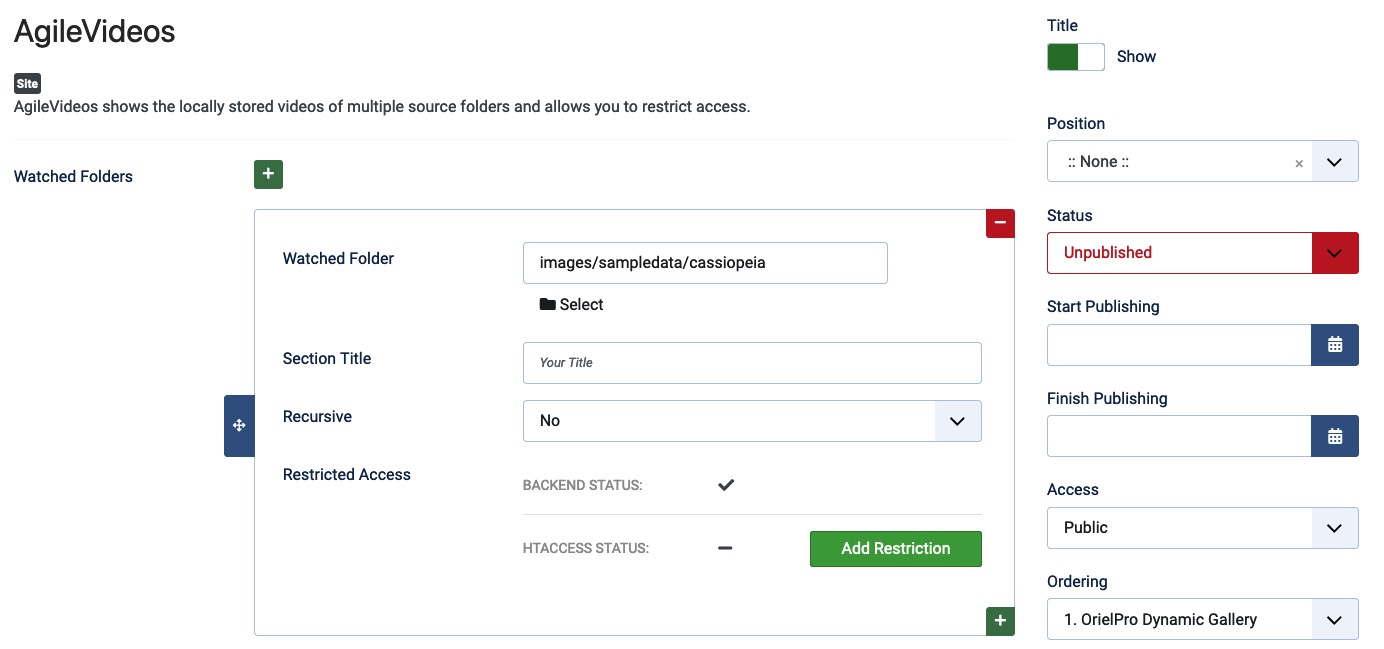
Watched Folder
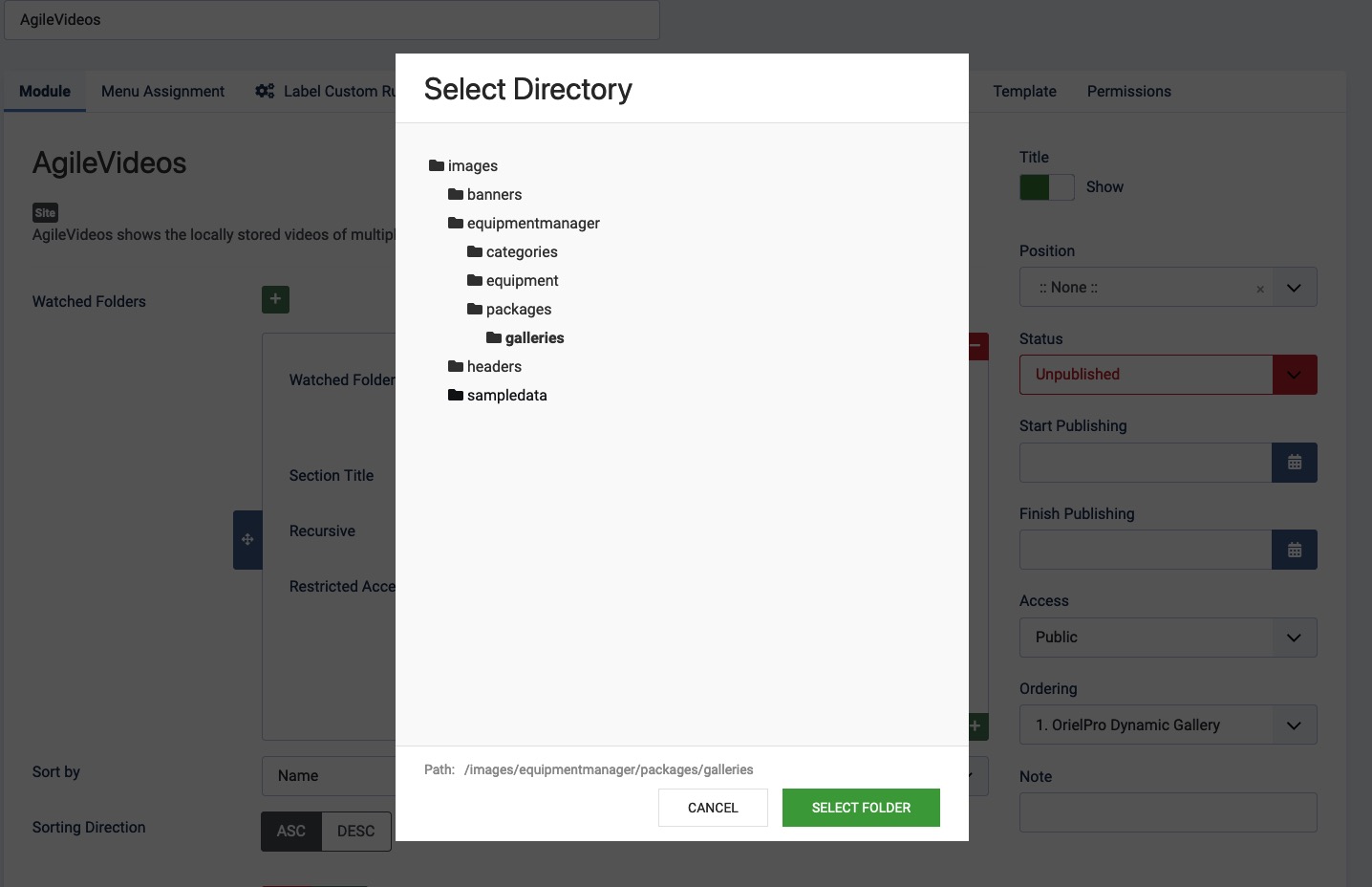
You can enter a folder path (relative to the Joomla! root directory WITHOUT leading slash) manually or open the folder
selector by clicking on the Select option. Here you can select the folder you want to add.
Section Title
Here you can enter a title for the section. This title is displayed in the frontend above the videos of this Watched Folder. The option Grouped by Source (see below) must be activated for this to work.
Recursive
If you want to include all subfolders of the selected folder, you can activate this option. This is useful if you have a huge amount of videos and want to organize them in subfolders. The Videos will all be shown in a single section.
Restrict Access 🔥
If you want to restrict access to the videos in this section, you can enable this option here. Only users who are logged
in will be able to see the videos in this section. Additionally, this option will block access to the video files from
outside by placing a .htaccess file in the folder.
Note: The agileVideos module does not support advanced permission settings at the file level. It currently distinguishes only registered users and guests. So it can only be used for simple file protection.
Note: This protection function uses the standard htaccess protection with the help of a backend script and can therefore only be used on Apache web servers. Microsoft server installations are currently not supported.
Sort by
Here you can select the sorting of the videos in the frontend. You can choose between the following options:
Modified Timestamp: Sorts the videos by the date of the last modification of the video file.Created Timestamp: Sorts the videos by the date of the last modification of the video file.Name: Sorts the videos by the name of the video file.
Please Note: On some Server Systems there is no difference between the Modified and Created Timestamps (There exists only the Modified one). This is not a bug of the Module or Joomla! it's simply how your Server works. On Those Systems the Modified Timestamp will be used for both options.
Sorting Direction
Here you can select the sorting direction of the videos in the frontend. You can choose between the following options:
Ascending: Sorts the videos in ascending order.Descending: Sorts the videos in descending order.
Grouped by Source
If you have multiple Watched Folders, you can activate this option to group the videos by the Watched Folder they are in. Please note that the Section Title of the Watched Folder will be used as the title of the group.
Group Container Class
Here you can enter a custom CSS class for the group container. This is useful if you want to style the groups. You can add multiple classes by separating them with a space.
my-class another-class