Image Links
The module supports also so-called image cards. You can define a title, an icon and an image for each link. The optional image will be used as background.

Background Blur on Hover
As you can see in some screenshots the image is blurred on hover. To enable this feature you have to set the
class name in the Custom Class List field in the item settings. The blurred class name is blurred:
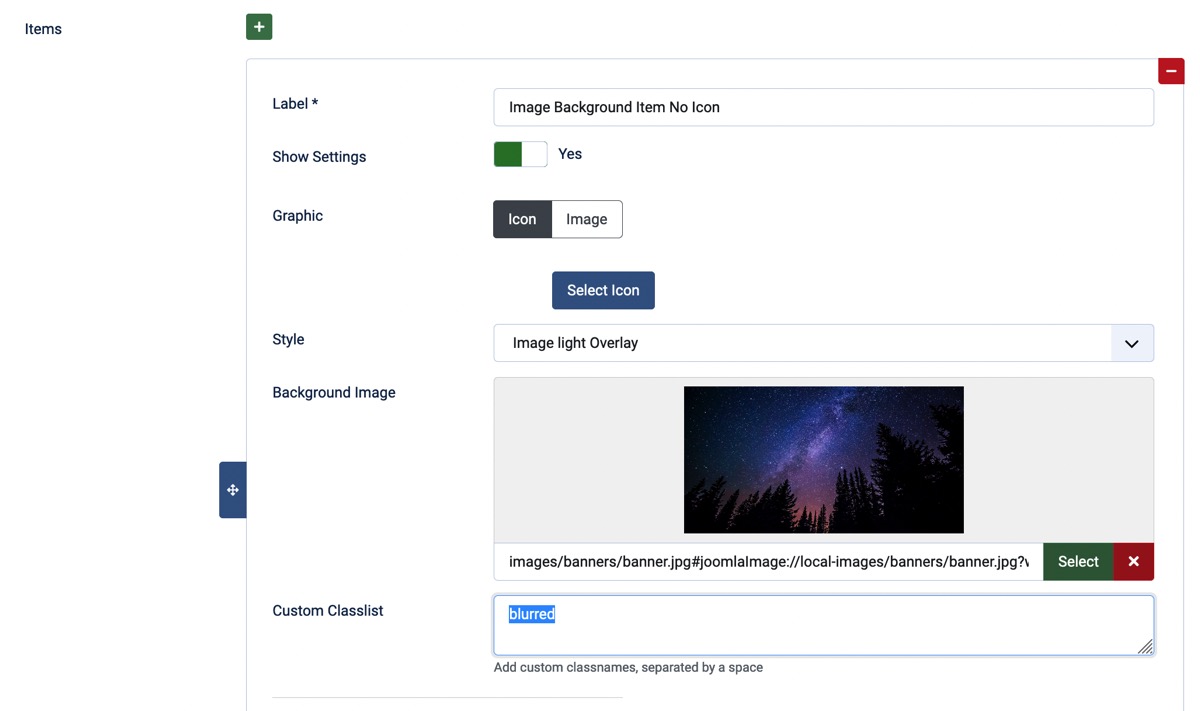
As you might think the effect only affects QuickLinks with Background images and can be set separately for each item.