Module Instance
This is a multipart tutorial that shows you how to use a single instance of the Oriel Pro module for Joomla! in multiple articles and create dynamic galleries. This way you can generate different galleries on different pages with only one module instance.
If Oriel Pro has just been installed, you will find an instance of the module in the Module Overview under
Extensions > Modules in Joomla 3. If you are using Joomla 4 you will find the Module Manager
in Content > Site Modules.
To add a new instance, click on the New button in the top left-hand corner of the Modules menu and select Oriel Pro
from the list.

Now you can see that a new instance of Oriel Pro is created.

Click on the module instance to open the module settings. You can now configure the module as you wish.
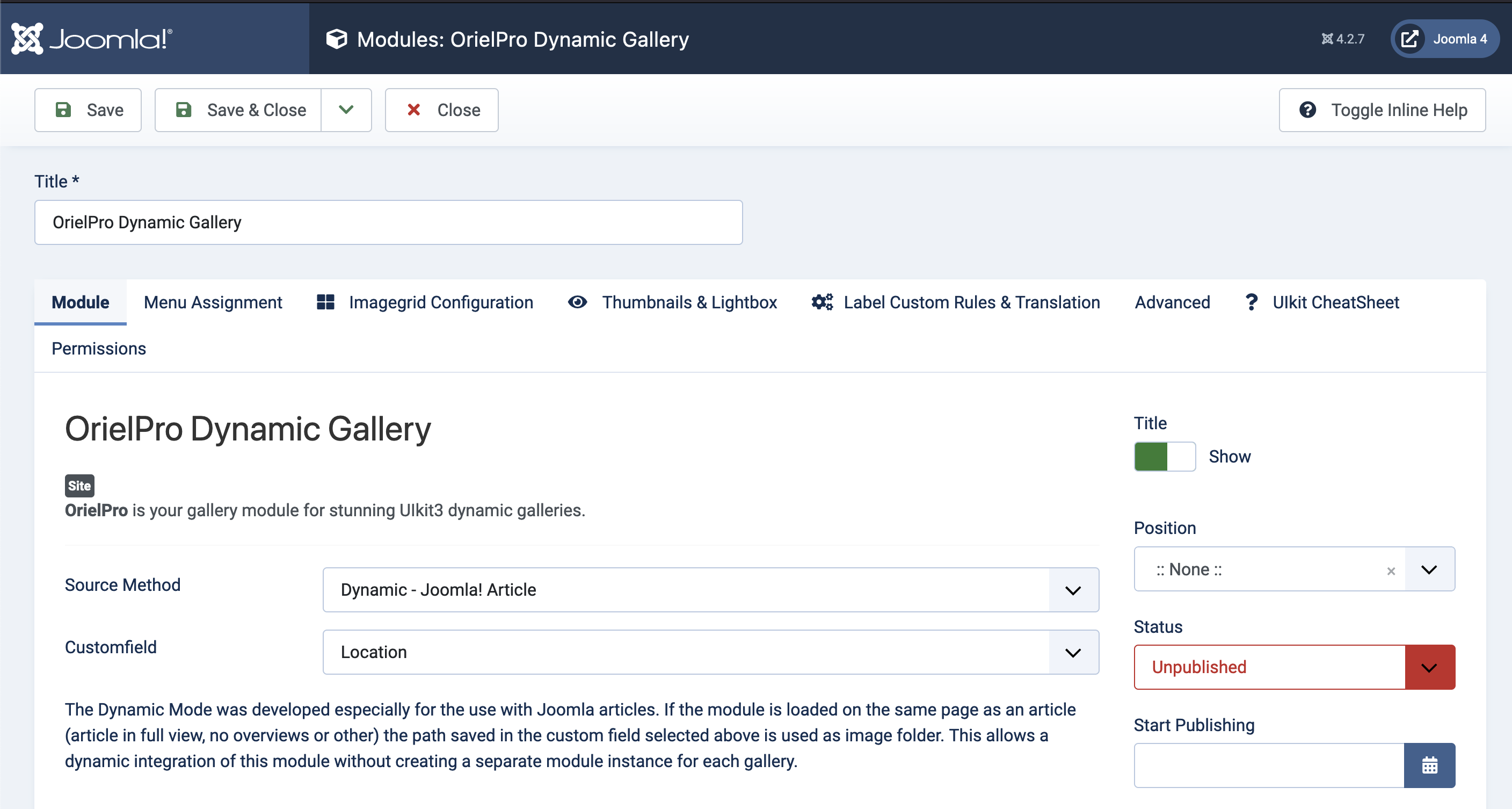
Let's set the default parameters so we can use the Dynamic Source Mode. For this we select
the Dynamic - Joomla! Article as Source Method and choose our custom field Location we created before:
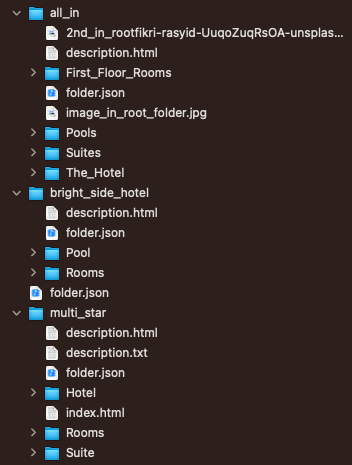
As Oriel Mode we currently use the option Filter, so all Subfolders of our Hotel folder are used as filters. This is how our Folder Structure looks on the FTP Server:
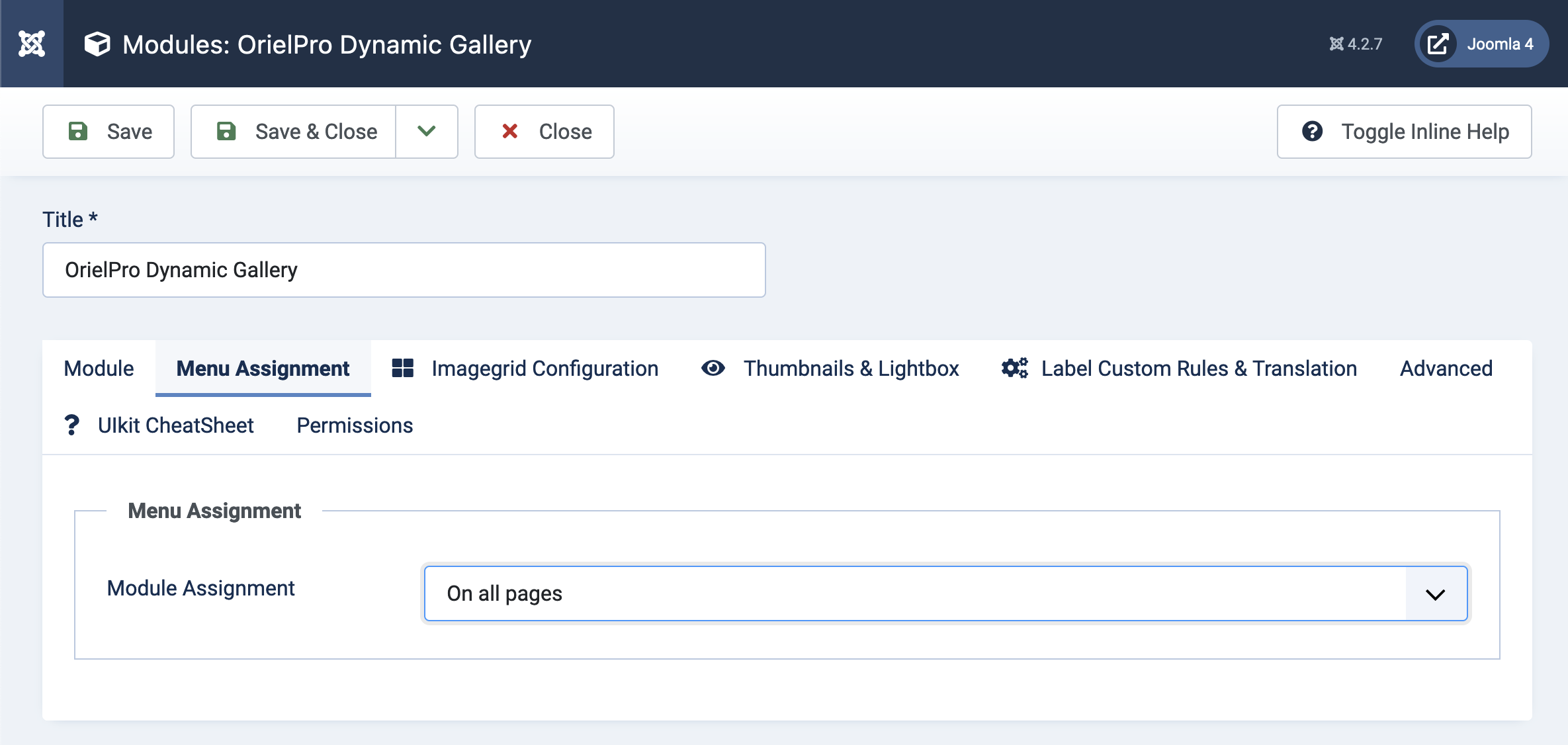
Another thing we have to do here is to set the Module Assignement to On all pages. This is necessary so that the module can simply be placed in our articles and always got rendered.
Since we will use our module instance directly within the articles we do not need to set a module position.
In the next step we will prepare our articles.